
Introducing: Reservation Presets
Date Published
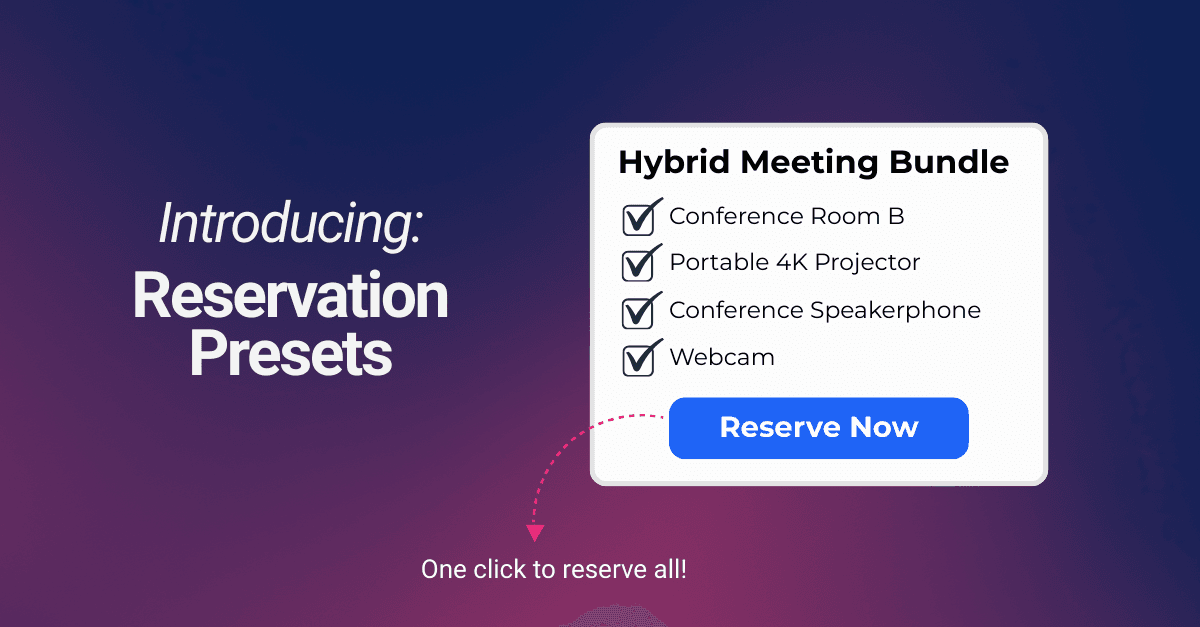
Often, a user needs a specific setup to get their work done - like a microscope with a camera, a podcast studio with a microphone, or a meeting room with a projector.
Manually coordinating these dependencies can be a point of friction and a source of scheduling errors. To address this, we’ve introduced Reservation Presets.
What is a Reservation Preset?
A Reservation Preset isn't a physical resource; it’s a template that lives in your resource list. When a user selects a preset, the system automatically opens a booking window pre-loaded with a configuration of resources and durations that you’ve defined in advance.
Practical Applications
We designed Presets to handle the "bundled" nature of modern workflows:
- Resource Grouping: If a piece of equipment always requires two or three accessories to function, a Preset allows users to book the entire "Suite" with one click.
- Standardized Durations: For tasks that take a consistent amount of time, presets allow you to default to the window required. Providing users with a "common duration" can help reduce wasted capacity and prevent scheduling overlaps.
- Hybrid Setups: You can bundle rooms with specific portable equipment, ensuring the hardware is reserved at the same time as the space.
How it works
The setup involves creating a Preset Resource and then defining its Template.
- Create the Resource: Add a new resource and select "Reservation Preset" as the type.
- Define the Template: Use the template editor to select the specific resources this preset should control. This is done on a "timeless" calendar where you simply pick the items and the relative duration.
- Deploy: Once saved, the preset appears in your list like any other resource.
When a user selects the preset, QReserve checks the real-time availability of every item in that bundle. If one part of the setup is already booked, the preset will show as unavailable, ensuring your equipment is never double-booked.
This feature is now live for all users. You can find more technical details on how to configure your first template in our help documentation: Reservation Presets.